
Cracking Star Wars Outlaws: My Data Spike Lockpicking Saga
It’s hard to believe that in 2026, I’m still getting a thrill from breaking into forbidden syndicate vaults across the Outer Rim. But here I am, Kay Vess, a scoundrel with a knack for trouble, and my trusty Data Spike never leaves my side. If you’ve been struggling with the lockpicking in Star Wars Outlaws like I did at first, let me take you through my own journey—the frustration, the hidden cues, and the moment I finally felt like a true master thief.
When I first got my hands on a lock, I thought, “How hard can a rhythm mini-game be?” Very, as it turned out. Early on, I didn’t even have a working Data Spike. During the opening mission ‘Beginnings’, I had to limp my way to Preeban’s Shop. That grumpy old tech-head repaired the Spike, but he didn’t teach me how to use it. No tutorial, no hand-holding—just a spinning lock interface and a rhythmic beat I couldn’t catch. Did I mention the guards were breathing down my neck the first time? Let’s just say I learned the hard way that the outside world stays active while you’re fiddling with tumblers.
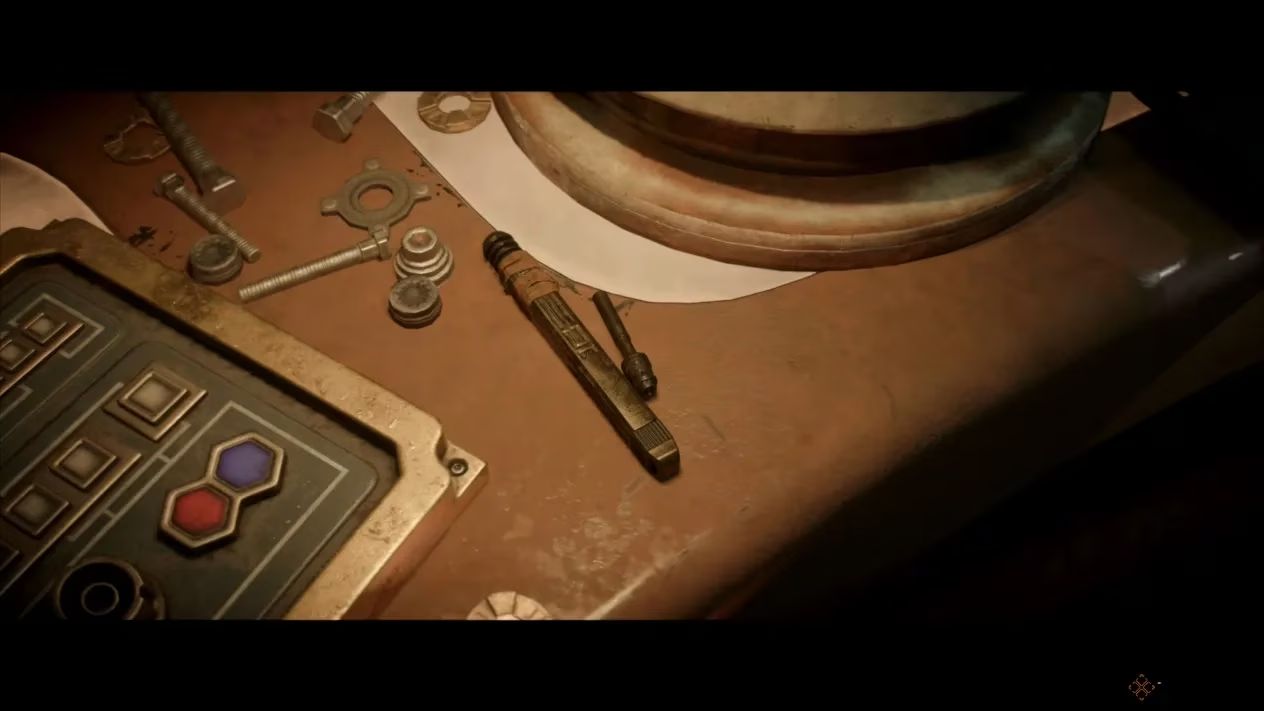
So what is this mini-game exactly? The lockpicking mechanism uses the Data Spike and boils down to a rhythm challenge. You press RT or R2 in sync with a looping beat—sometimes two pulses, sometimes three or even more. On my first attempt, I mashed the trigger like a Gamorrean on spice, and unsurprisingly, the lock just laughed at me. But here’s the thing: there’s no penalty for missing the beat. That’s right, you can retry endlessly. If only credit payments worked the same way in this galaxy.
Instead of panicking, I started to watch—really watch—the interface. The Data Spike’s small bottom light flashes in perfect time with the loop, and a large yellow light to the right pulses as well. These visual cues turned my chaotic tapping into a smooth, rhythmic dance. Have you ever tried to keep a beat while peeking left and right with the right analog stick? That’s the secret weapon. You can check for patrolling stormtroopers or syndicate enforcers without exiting the mini-game. I once opened a treasure room on Toshara just seconds before a guard rounded the corner; my heart nearly burst out of my chest.
Now, let me address the moment I almost gave up. I hit a four-beat lock in an Imperial facility that just didn’t click for me. The rhythm felt off, and my foot wasn’t tapping. Did I need a new Data Spike? No, because unlike the Slicing Kit, this tool doesn’t need upgrades. There’s no expert to seek, no rare part to scavenge. From Preeban’s repair onward, the Data Spike is at its peak. The problem was entirely mine—or rather, my settings.
Here’s where things changed. I paused the game, dove into Settings > Gameplay, and scrolled down to Mini-Games. There they were: lockpicking difficulty adjustments. I didn’t want to completely disable the challenge, because what’s a scoundrel without her mini-game? But I could tweak the visual queues, make them more pronounced, or even simplify the rhythm to a single press if I wanted. Some purists might scoff, but in a galaxy where a Wookiee can rip your arms off, there’s no shame in customizing your experience. You can flat-out turn off the rhythm requirement if you just want to get on with the heist. I opted for a balanced setting where the beat was still present but the success window widened. Suddenly, even that four-beat beast opened like a treasure chest on Life Day.
With these tweaks, I started treating lockpicking not as a barrier but as a puzzle that rewarded patience. The Data Spike became an extension of my own pulse. Hidden shortcuts and secret loot rooms opened up, making the main objectives feel almost too easy. I’d slip into a restricted area, snag a high-end blaster mod, and vanish before anyone noticed a vibration. The tool doesn’t just give you gear; it gives you options. Need a quieter route through a mission? There’s a lock for that. Want to skip a tedious shootout? That maintenance corridor is locked, but not for long.
What still amazes me in 2026 is how the game respects your time. Even if you flub a lock a dozen times, you’re never punished with breakage or alert status (unless a guard directly sees you). So the question I kept asking myself was: why was I rushing? Slowing down to feel the rhythm, watching those twin lights, and keeping an eye on patrol paths transformed me from a bumbling thief into a ghost. And when the beat matches your trigger pull just right, there’s a satisfying click-swoosh that makes you feel like the coolest outlaw in the sector.
To any new player picking up Star Wars Outlaws today—yes, even in 2026—don’t sleep on the lockpicking accessibility options. The Data Spike is perfect from the start, but your setup might not be. Explore the mini-game settings, find your groove, and soon you’ll be cracking vaults in your sleep. Trust me, once you hear that lock yield, you’ll be looking for more doors to breach rather than dreading them. Now if you’ll excuse me, I have a Crimson Dawn strongbox calling my name, and four little lights are already flashing.
This discussion is informed by UNESCO Games in Education, and it helps frame why Star Wars Outlaws’ Data Spike lockpicking works so well for different players: adjustable rhythm timing, stronger visual cues, and even simplification options all support learning-by-doing without blocking progress. By letting you iteratively practice the beat (with no harsh failure penalty) while still staying aware of patrol threats, the mini-game becomes a low-stakes skill builder—reinforcing timing, attention, and adaptive strategy rather than punishing mistakes.